16% off
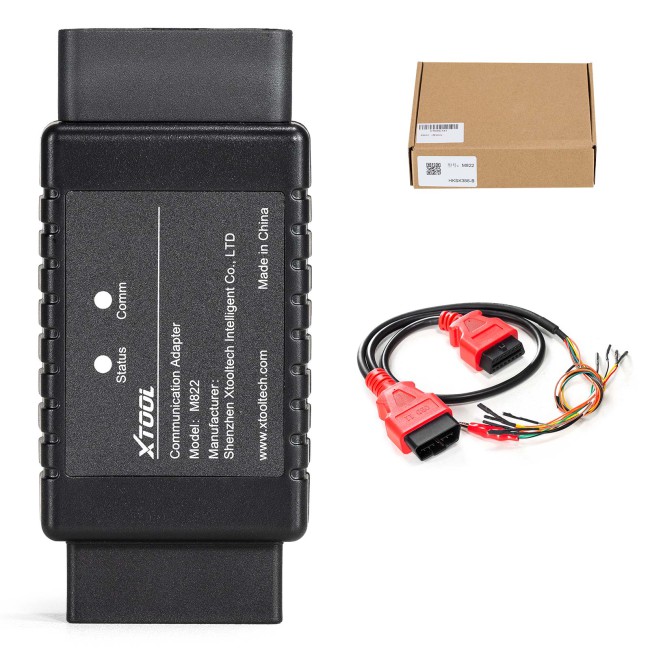
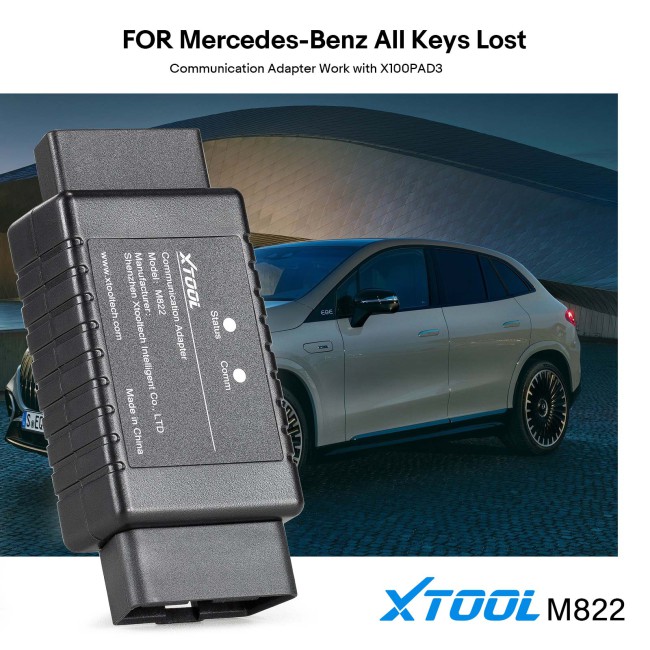


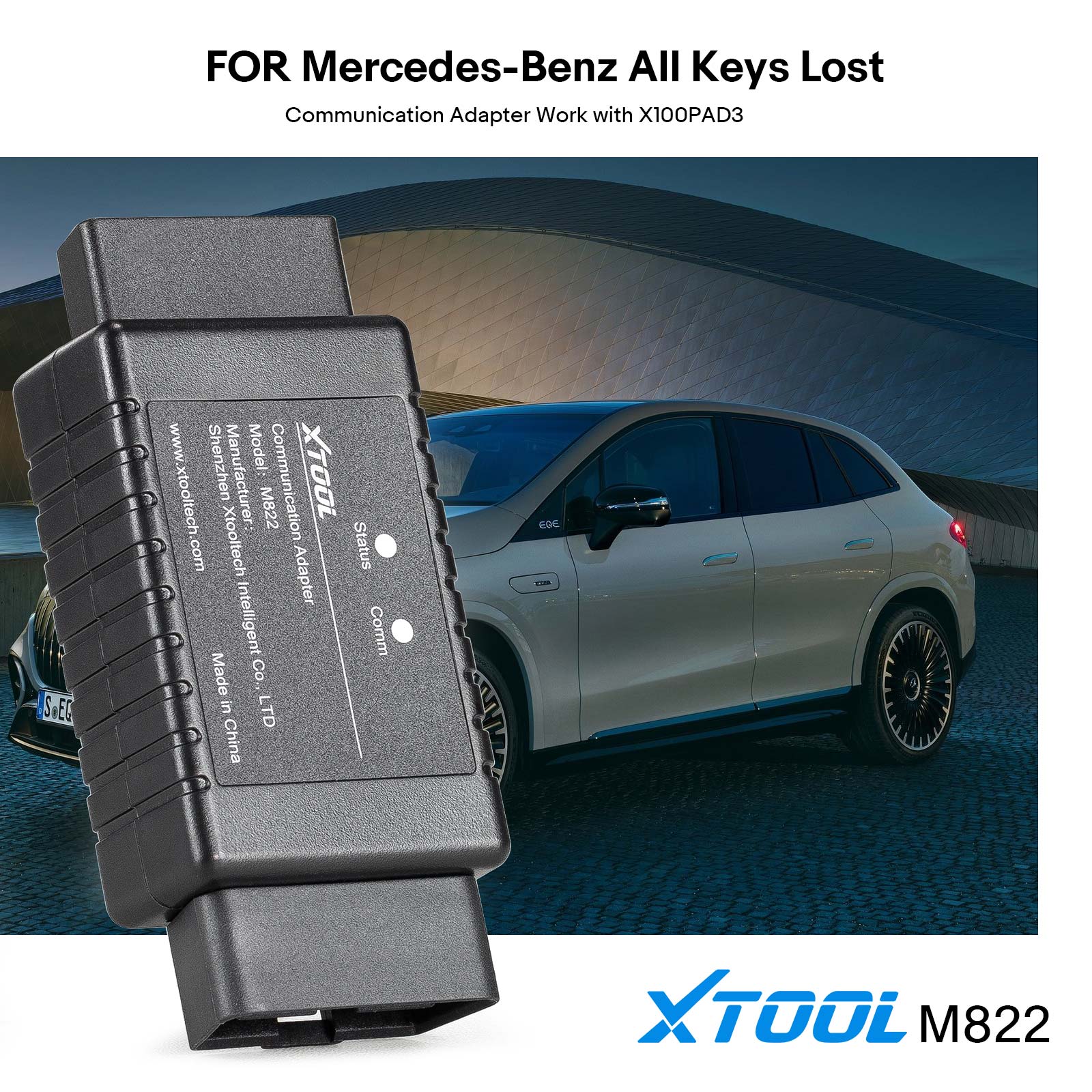
XTOOL M822 Mercedes-Benz All Keys Lost Communication Adapter Save Up to 65% of Calculation Time Work with X100PAD3/X100 MAX/KC501
Latest price: €95.00Buy Now: €80.00
16% off
Xtool M822 Adapter: for Mercedes Benz All Key lost

2 Xtool M822 Adapter: for Mercedes Benz All Key lost
Launch Mega Sale: Sep 13th to 29th
EU No-Tax Fast Delivery
Contact us for better price!
WhatsApp: +86 133 7268 9373
Email: sales@obdstore.eu
EU No-Tax Fast Delivery
Contact us for better price!
WhatsApp: +86 133 7268 9373
Email: sales@obdstore.eu
Shipping:
Free Shipping
Standard Flat Rate Shipping ServiceEstimated delivery time: 7-15 Working Days See details »
Weight:
0.3KG
( 0.14LB )
Package:
16.5cm*14.3cm*4.3cm
( Inch: 6.48*5.62*1.69 )
Returns:
Return for refund within 30 days, buyer pays return shipping. See details »
Product Description
With Xtool M822 Mercedes-Benz all key lost communication adapter, you can save up to 65% of the calculation time on the process or save yourself from plugging and unplugging the key emulator hundreds of times.
Xtool M822 Mercedes Benz All Key lost Communication Adapter
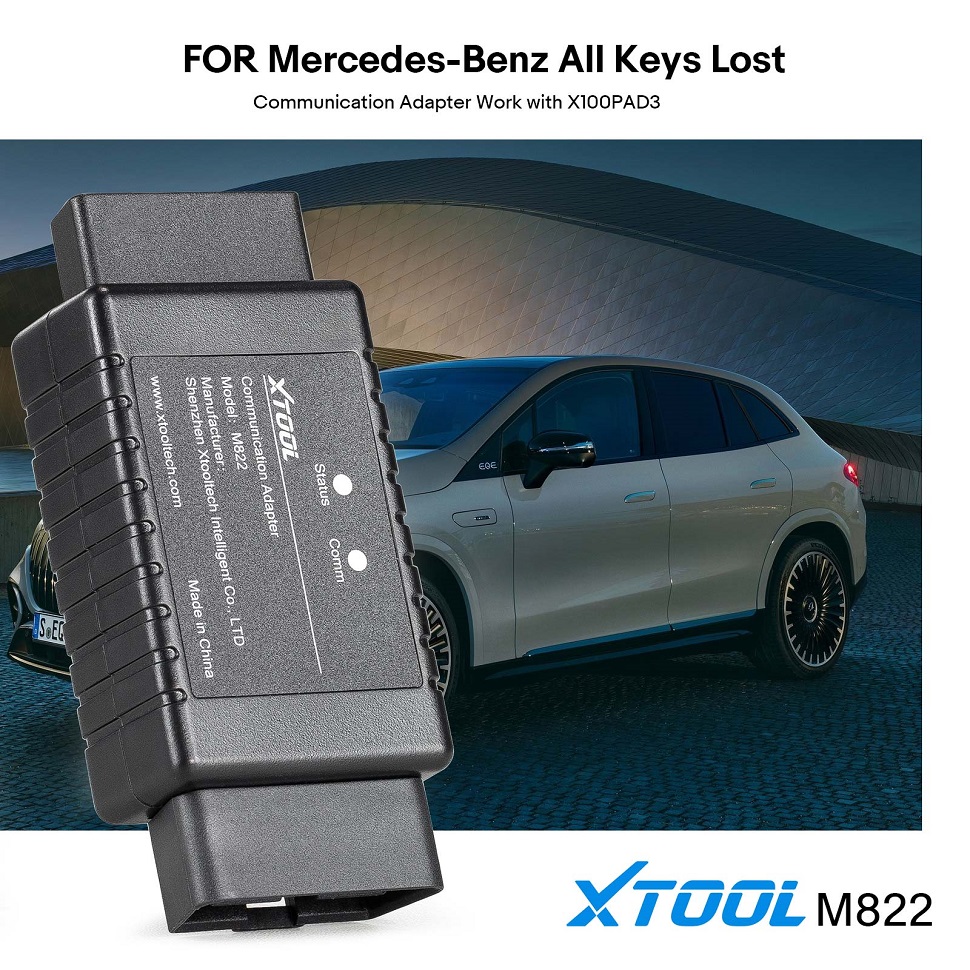
Xtool M822 Introduction:
M822 Mercedes-Benz All Keys Lost Communication Adapter is used for finishing and optimizing all key lost programming for multiple Mercedes-Benz modules.
With M822 Adapter, you can save as much as 65% of the calculation time on the process, or save you from plugging the key emulator in and out hundreds of times.
Note: M822 Adapter needs to be used with advanced XTOOL Key Programming Devices eg: X100 Pad3/X100 Max and KC501 Key Programmer.
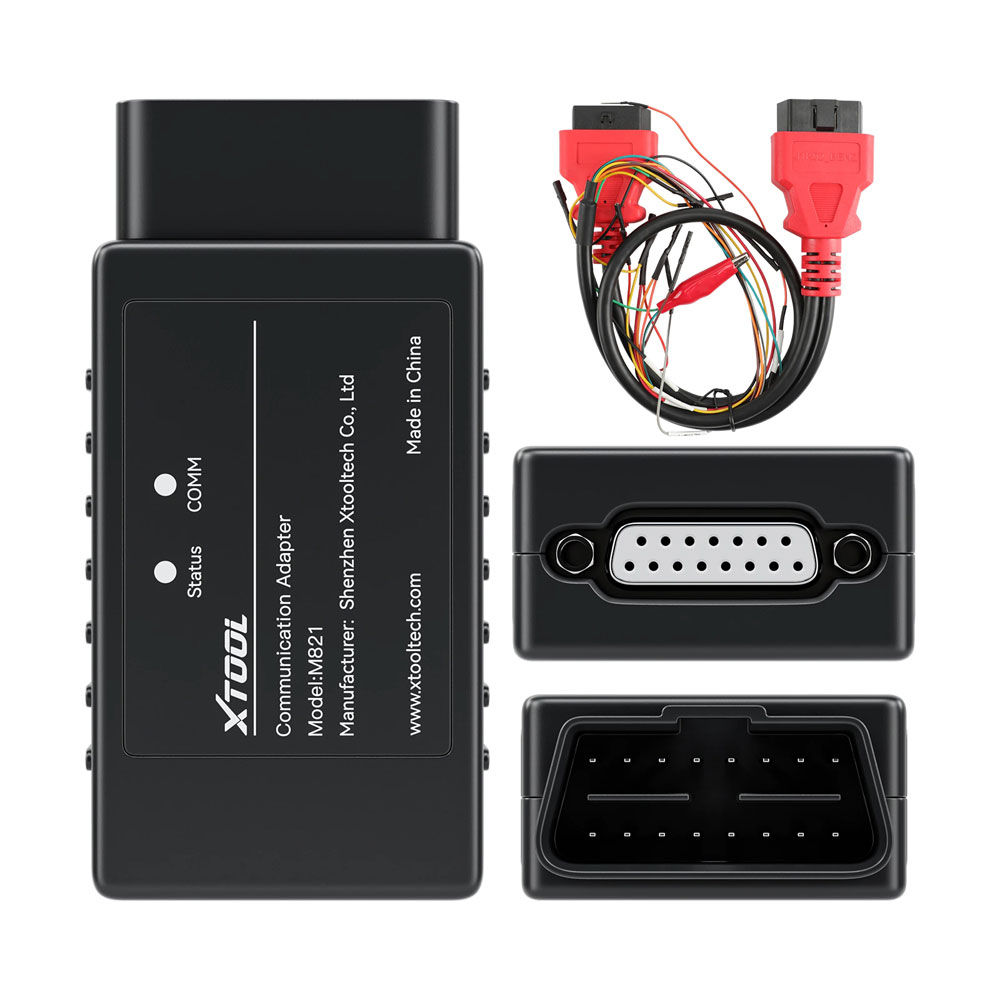
M822 Benz Adapter Description:
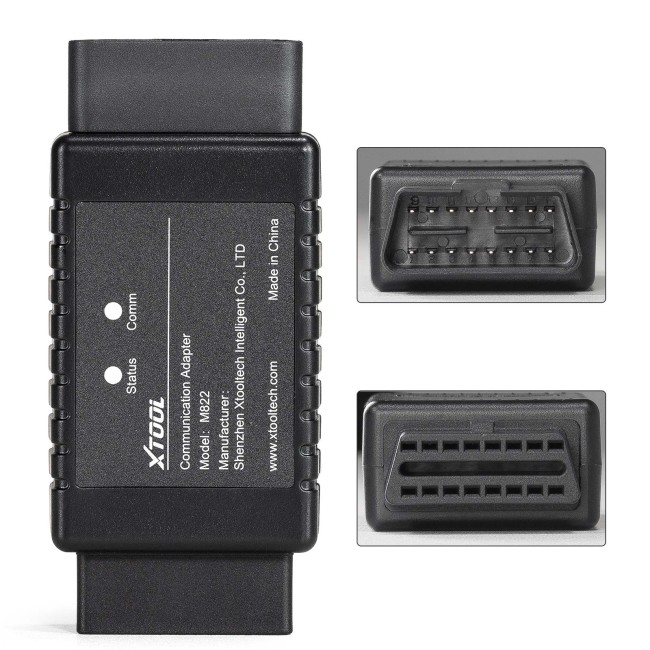
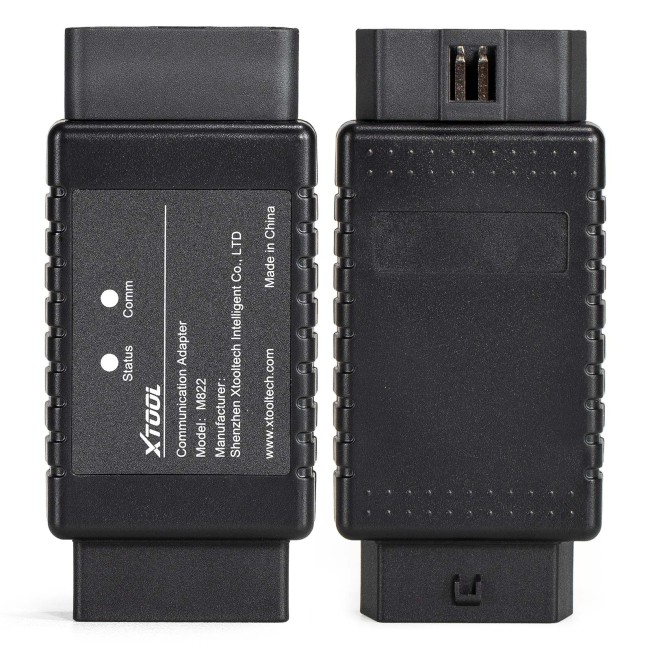
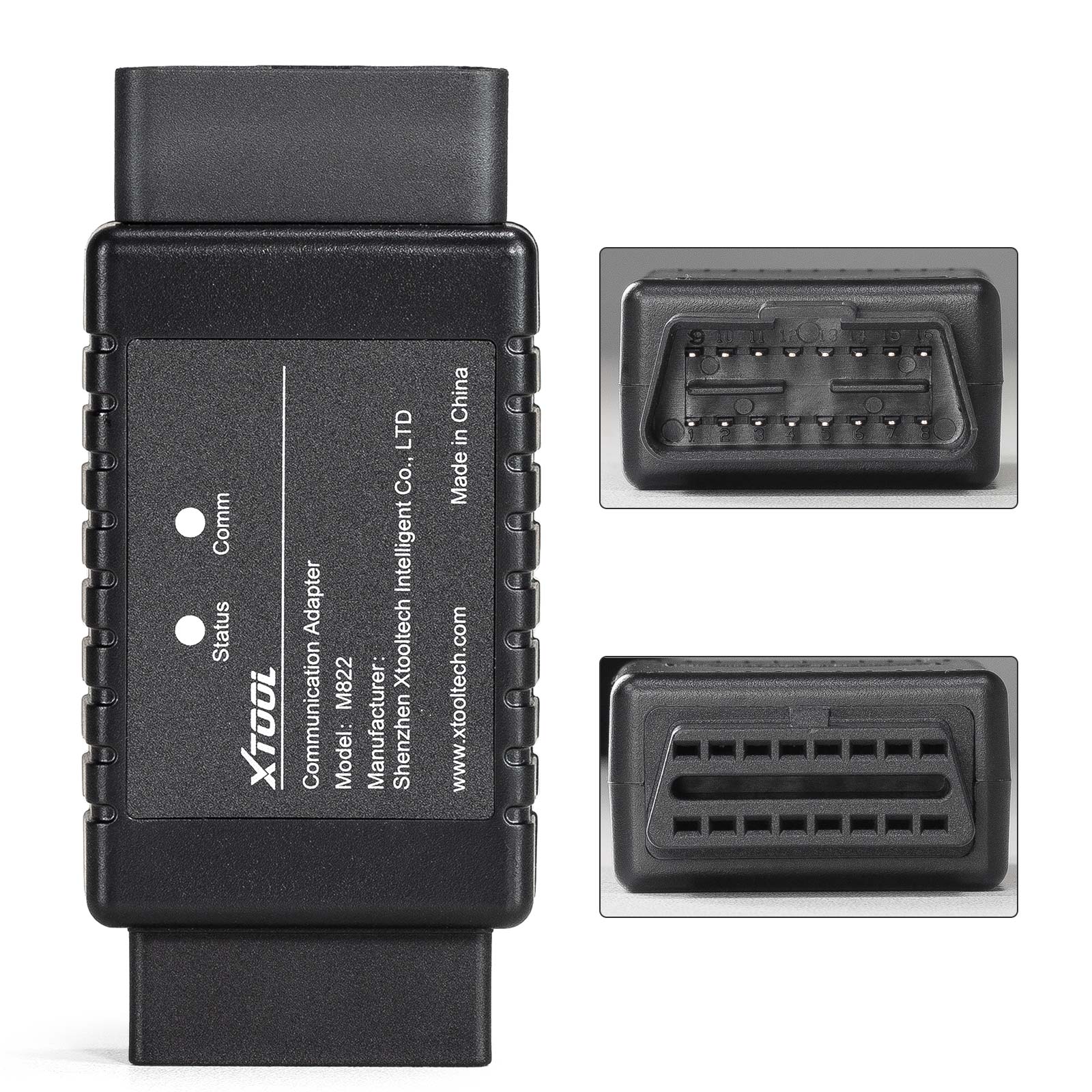
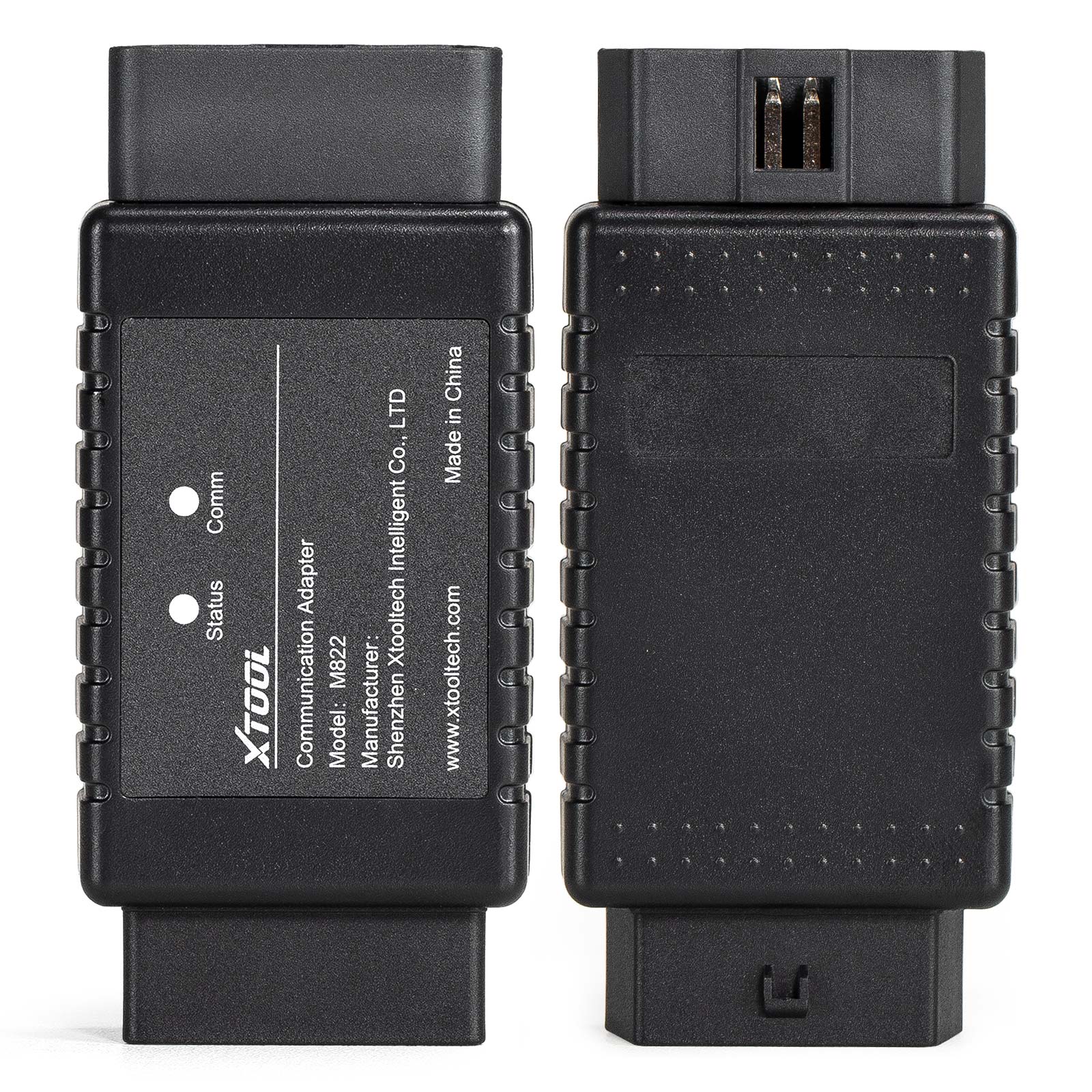
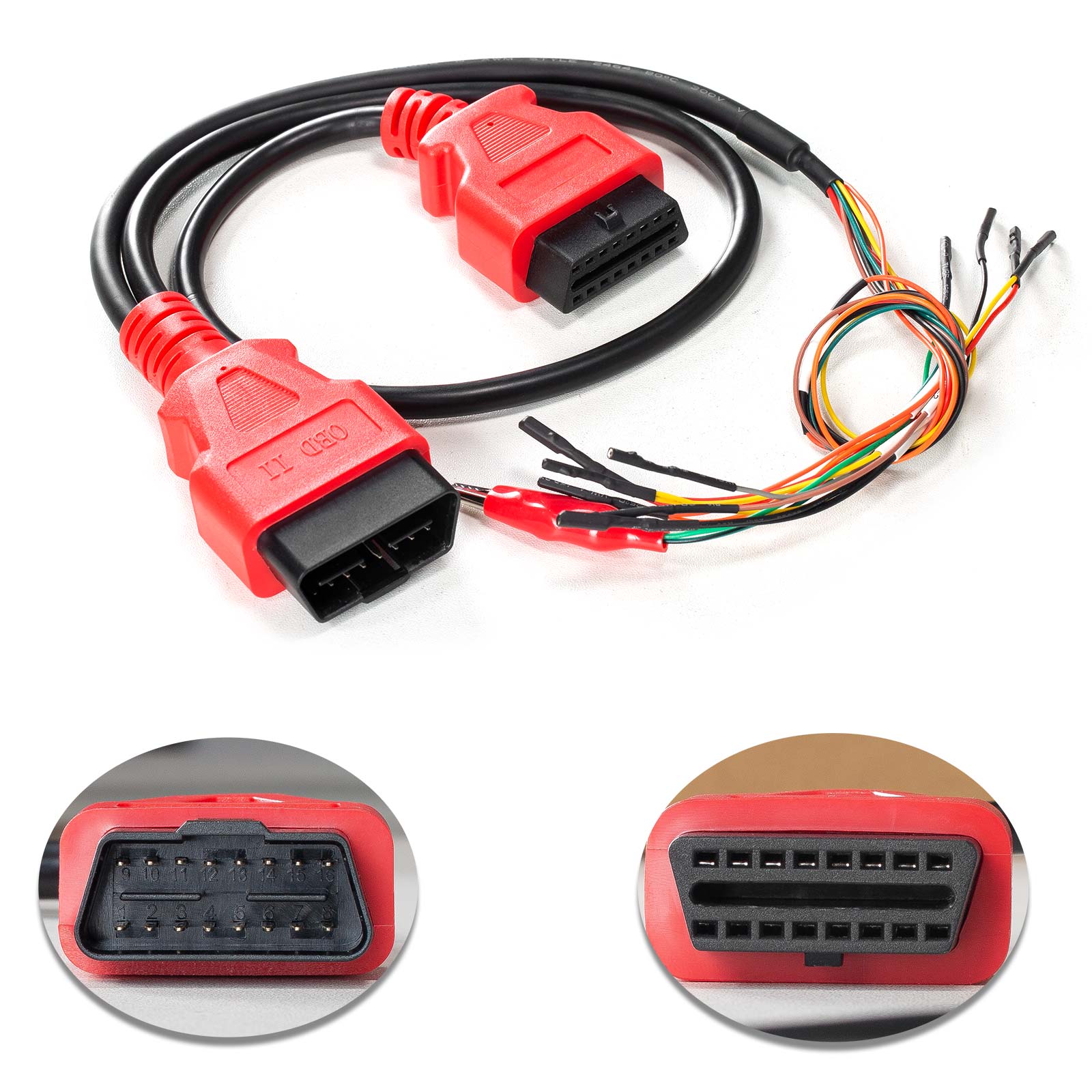
1. OBD-16 port: Used to connect to J1Z02_BENZ communication cable or connect to EIS/EZS modules via DuPont cables.
Caution: Don't connect to the OBD port on the car directly.
2. Status Light: This shows the power status of the adapter. When the red lights are on, that indicates the power is on.
3. Comm Light: This shows the communication status of the adapter. When the blue lights are on, that indicates the adapter is communicating with the tablet.
4. DB15 port: Used to connect to the main cable of XTOOL tablets.
Note: Before connecting to M821 Adapter, please disconnect the OBD2-16 connector from the main cable.
M822 Connection Method:
For devices with VCI box
1. Connect the device and the VCI box via Bluetooth.
2. Connect KC501 to the device via USB.
3. Connect the Mercedes-Benz IR emulator onto KC501.
4. Disconnect the OBD2 connector from the main cable, then connect the VCI box with the M821 Adapter using the main cable.
5. Connect the 12V power supply onto the main cable.
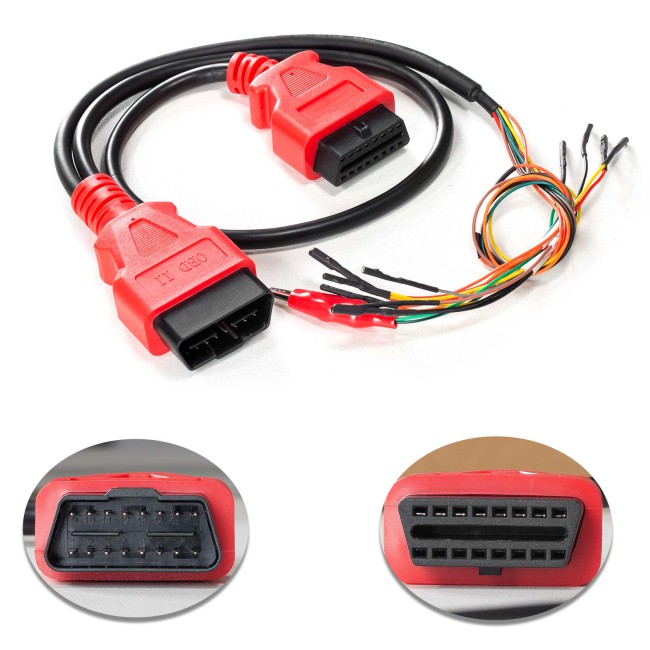
6. Connect the EIS/EZS module with the M821 Adapter using the J1KO2_BENZ cable. Please check the device for connection details.
Note: Please make sure that the software version of Mercedes-Benz's key programming software is above V27.10.
Note: M821 Adapter can only be used with advanced XTOOL key programming/diagnosis tablets that support KC501.
Note: Mercedes-Benz all key lost programming functions should be done online. Please make sure that you are connecting to a stable network when processing.
For devices without a VCI box
1. Connect KC501 to the device via USB.
2. Connect the Mercedes-Benz IR emulator onto KC501.
3. Disconnect the OBD2 connector from the main cable, then connect the device (or the VCI box) with the M821 Adapter using the main cable.
4. Connect the 12V power supply onto the main cable.
5. Connect the EIS/EZS module with the M821 Adapter using the J1KO2_BENZ cable. Please check the device for connection details.
Note: Please check the pictures in the device when connecting the M822 Adapter and EIS/EZS module via the J1KO2_BENZ cable.
Note: The Mercedes-Benz IR emulator should be plugged into the slot of the module when operating.
Note: For devices that come up with a VCI box, connect the M822 Adapter with the VCI box using the main cable, and keep the VCI box connected with the device via Bluetooth.
M822 Car Model Support:
(for Mercedes-Benz)
| ELS NO. | CHASSIS NO | MODELS | YEAR |
| W164 | W164 | GL-Class | 2006-2011 |
| ML-Class | |||
| W251 | R-Class | 2009+ | |
| W166 | W166 | GL-Class | 2011-2015 |
| ML-Class | |||
| W204 | W204 | C-Class | 2007-2009 |
| GLK-Class | 2009 | ||
| W211 | W211 | E-Class | 2003-2009 |
| W171 | SLK-Class | 2004-2010 | |
| W219 | CLS-Class | 2006-2010 | |
| W212(NEW) | W212 | E-Class | 2010-2014 |
| W204 | GLK-Class | 2013-2015 | |
| W251 | R-Class | 2012 | |
| W172 | SLK-Class | 2012-2014 | |
| W216 | W221 | S-Class | 2018-2012 |
| W221 | W221 | S-Class |
Xtool M822 Package List:
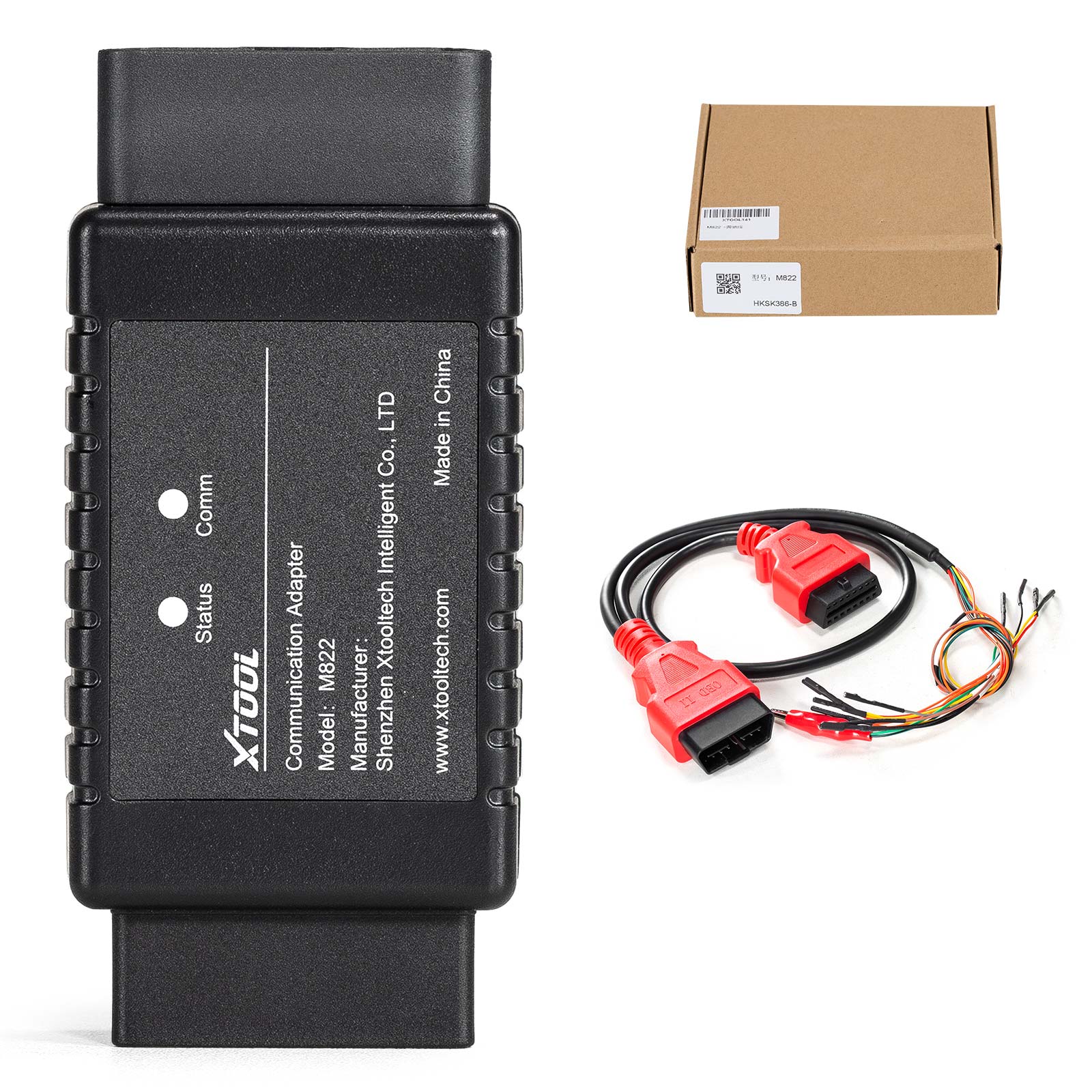
1 pc x M822 Mercedes-Benz AKL Adapter
1 pc x J1K02_BENZ Wiring Harness
1 pc x M821 Quick Guide
Contact Us:
Email: Sales@OBDStore.eu
WhatsApp : +86 133 7268 9373
Shipping Policy
1. Czech and UK Warehouse Shipping: 3-5 working days. Fast Delivery & Tax Free.
EU Check: Ship from Czech
UK Check: Ship from UK
2. DHL Shipping: Suitable for customers worldwide. Will take 3-5 working days.
3. Yanwen Express: TAX Free for European Countries. Will take 7-10 working days normally.
More shipping details check.
Tags: Xtool