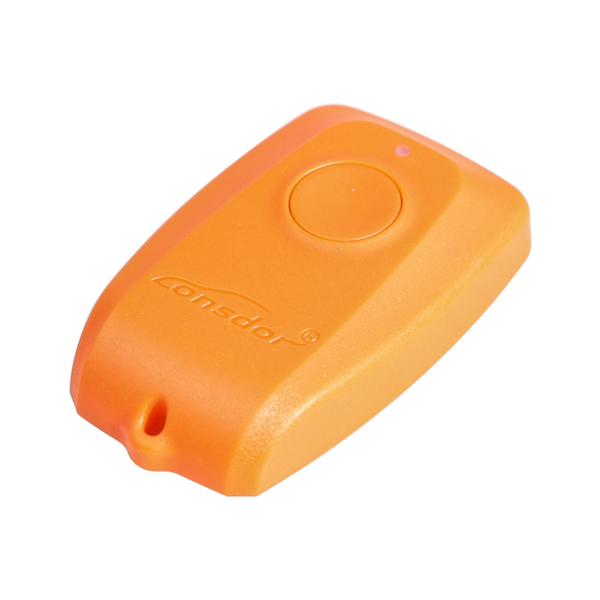
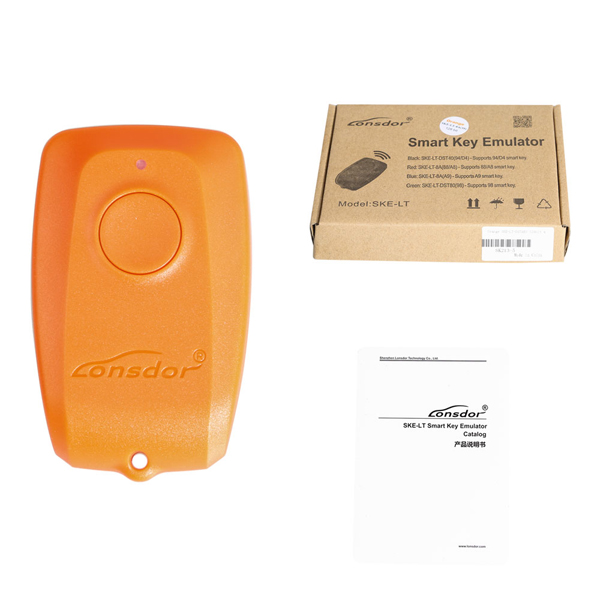
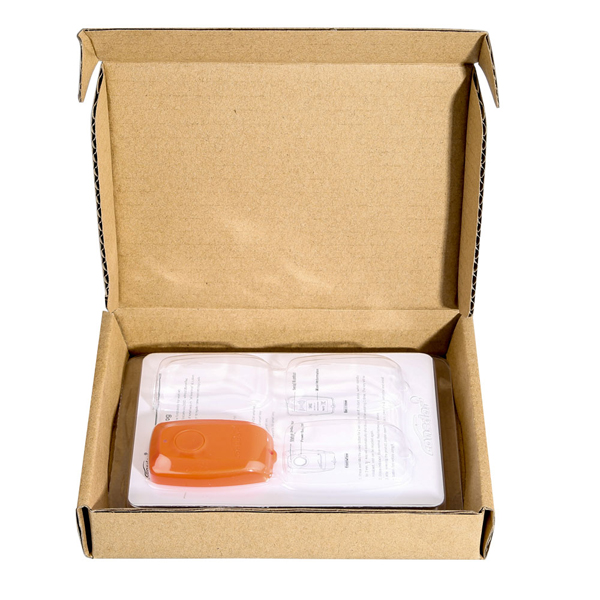
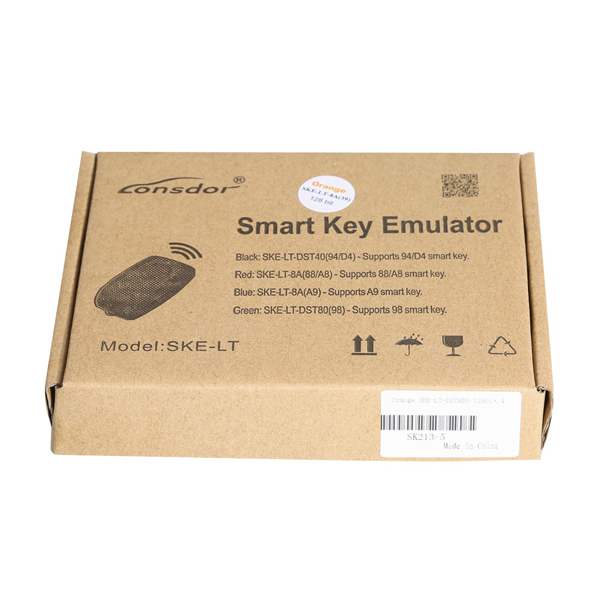


Original Lonsdor Orange SKE-LT-DSTAES Chip 39 (128 bit) the 5th Emulator for Toyota/Lexus work with K518ISE Key Programmer
EU No-Tax Fast Delivery
Contact us for better price!
WhatsApp: +86 133 7268 9373
Email: sales@obdstore.eu
Related Download Files
Product Description
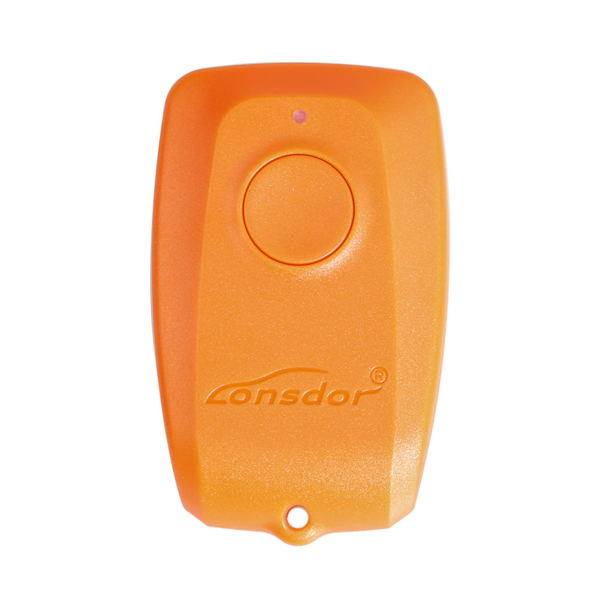
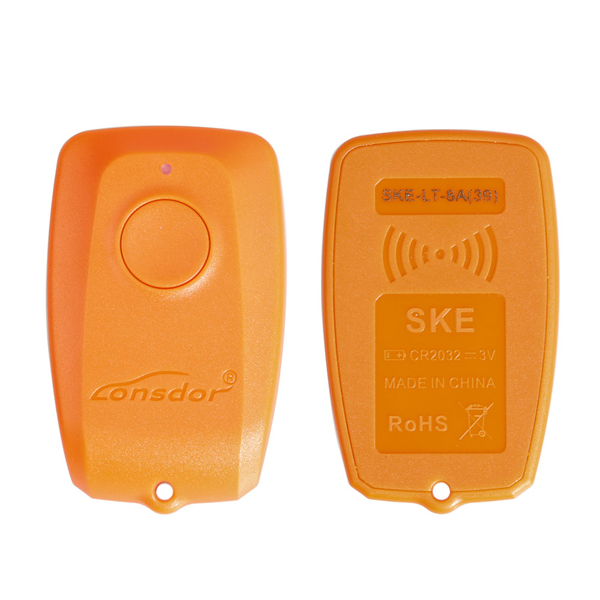
Lonsdor Orange SKE-LT-DSTAES Chip 39 (128 bit) 5th Emulator
Description:
SKE-LT-DSTAES Chip 39 (128 bit) Smart Key Emulator works with lonsdor k518ise key programmer for Toyota/Lexus, smart Key all lost via OBD, no need connection from Server.
Functions:
Backup original EEPROM immo data.
Use backup data to generate new data.
System certify and generate new data automatically, and program SKE to become an available key,which can open dashboard.,before key programming.
Add a smart key.
Delete programmed key.
Bind SKE: Require to bind all SKE to K518 for the first use.
1. Operation
1) Backup EEPROM immo data.
2) Generate a SKE for emergency use.
3) Put the SKE close to start button and dashboard will be lit up.
4) Add a smart key.
5) Delete a smart key.
Note: Please confirm whether K518 is bound to emulator key (SKE).
2. Bind emulator key
1) This function can bind emulator key (SKE-LT series) to K518 host.
2) Please insert key to be bound into the host slot.
3) System is binding... Program key when key binding complete.
3. Backup EEPROM data
1) This function can backup EEPROM data.
Generate SKE for emergency when data backup complete.
Insert SKE to switch ignition ON and open dashboard.
2) Receiving vehicle immo data... Please wait patiently.
3) Please name EEPROM backup data.
4) Data backup succeed.Please select “generate emulator key”function to generate a spare key for emergency.
4. Generate emulator key
1) This function can generate a spare master key when all keys are lost, which can open dashboard to add other keys.
2) Receiving local backup data...
3) System shows current data and notify key type.
4) Insert bound emulator key (corresponding color/type) into K518 host slot, and press round button on the key.
5) Generating SKE ... Please wait for 5 minutes patiently.
6) When SKE is generated,press round button on it and put it against start button of vehicle, and try to open dashboard.If the dashboard is lit up, please use SKE to program and add new keys.
5. Add smart key
1) Put SKE or available key against ignition switch and switch ignition ON till dashboard is lit up.
2) System communication, getting info about key numbers...
3) Put registered smart key against vehicle start button, and remove it when buzzer beeps once.
4) Put smart key (to be registered) at start button of vehicle in 30 seconds, and remove it when buzzer beeps twice.
5) Please wait till key registration complete. Operation succeed.
6. Delete smart key
1) Put emulator key or available key close to ignition switch and switch ignition ON till dashboard is lit up.
2) System communication, getting info about key numbers...
3) Put back of registered smart key close to vehicle start button, and remove it when buzzer beeps once.
4) System is deleting key... Deleting succeed. Smart key (away from start button) will be deleted.
Attentions:
1. Bind emulator key: Require to power on the device when put emulator key into K518 host slot.
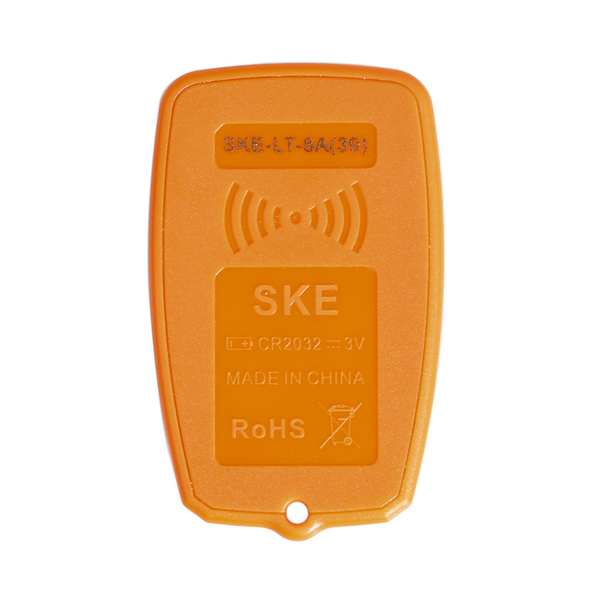
2. System will read backup data of vehicle to generate emulator key and prompt to choose corresponding key type(refer to back of the emulator).
3. For Carola/Vios/Zelas all key lost, programming is not available in a state of alarm.
Reference:
| Chip type | 94/D4(SKE black), 88/A8(SKE red), A9(SKE blue), 39(SKE orange) |
| Remote control type | Specific smart key |
| Key embryo No. | Specific smart key |
| Password required or not | Not required. |
| Remote control | Generate automatically when smart key programming complete. |
| OBD position | Under steering wheel |
| Reference pics |
Smart key appearance for part of Toyota series |


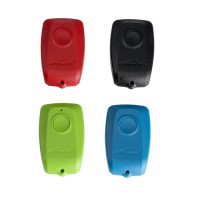
Five Toyota/Lexus smart Key Emulator Comparison:
| Chip Model | Color | Status |
| 39(128bit) | Orange | No need connect from server |
| 94/D4 | Black | |
| 98 | Green | |
| A9 | Blue | on the way |
| 88/A8 | Red |
Contact Us:
Email: Sales@OBDStore.eu
WhatsApp : +86 133 7268 9373
Shipping Policy
1. Czech and UK Warehouse Shipping: 3-5 working days. Fast Delivery & Tax Free.
EU Check: Ship from Czech
UK Check: Ship from UK
2. DHL Shipping: Suitable for customers worldwide. Will take 3-5 working days.
3. Yanwen Express: TAX Free for European Countries. Will take 7-10 working days normally.
More shipping details check.