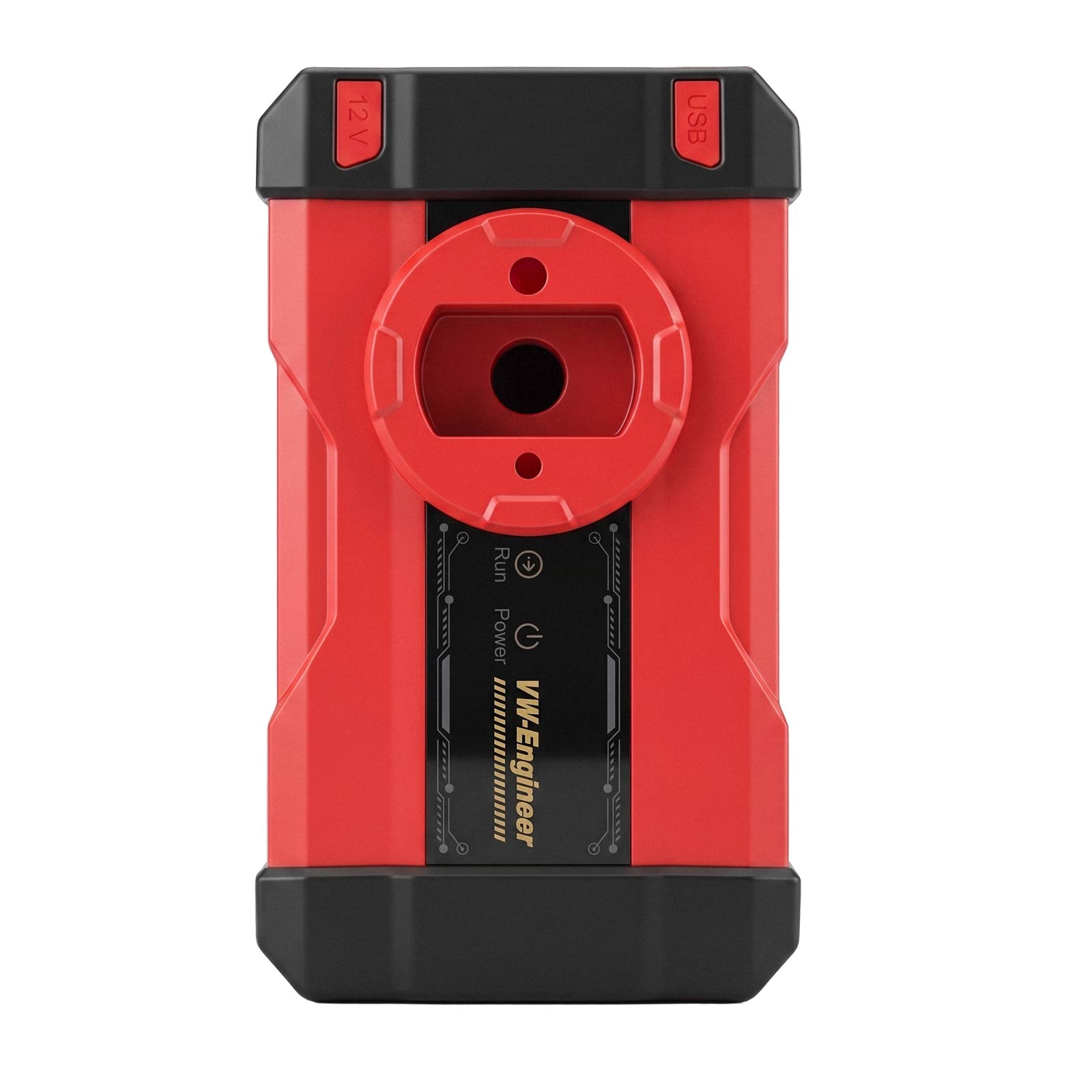
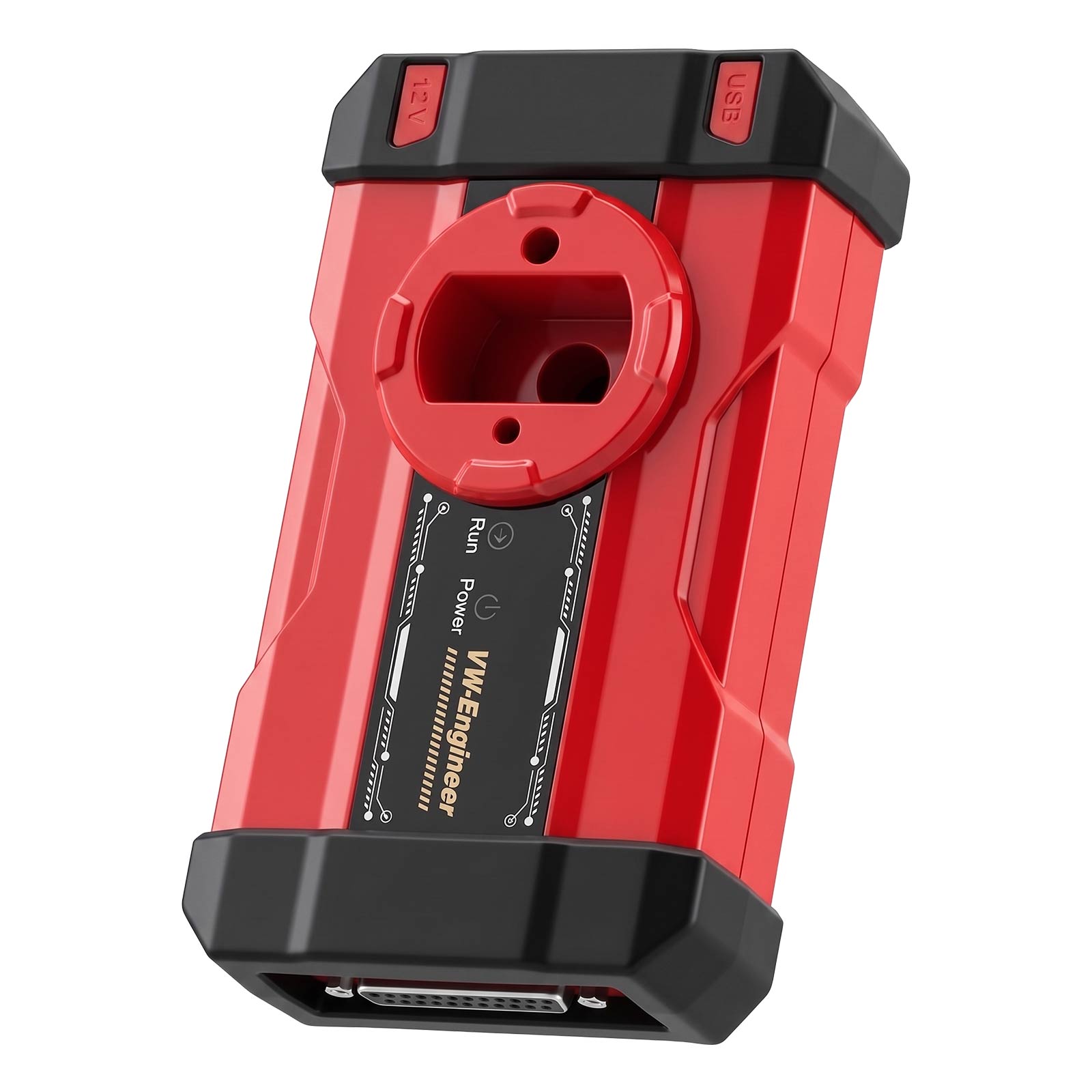
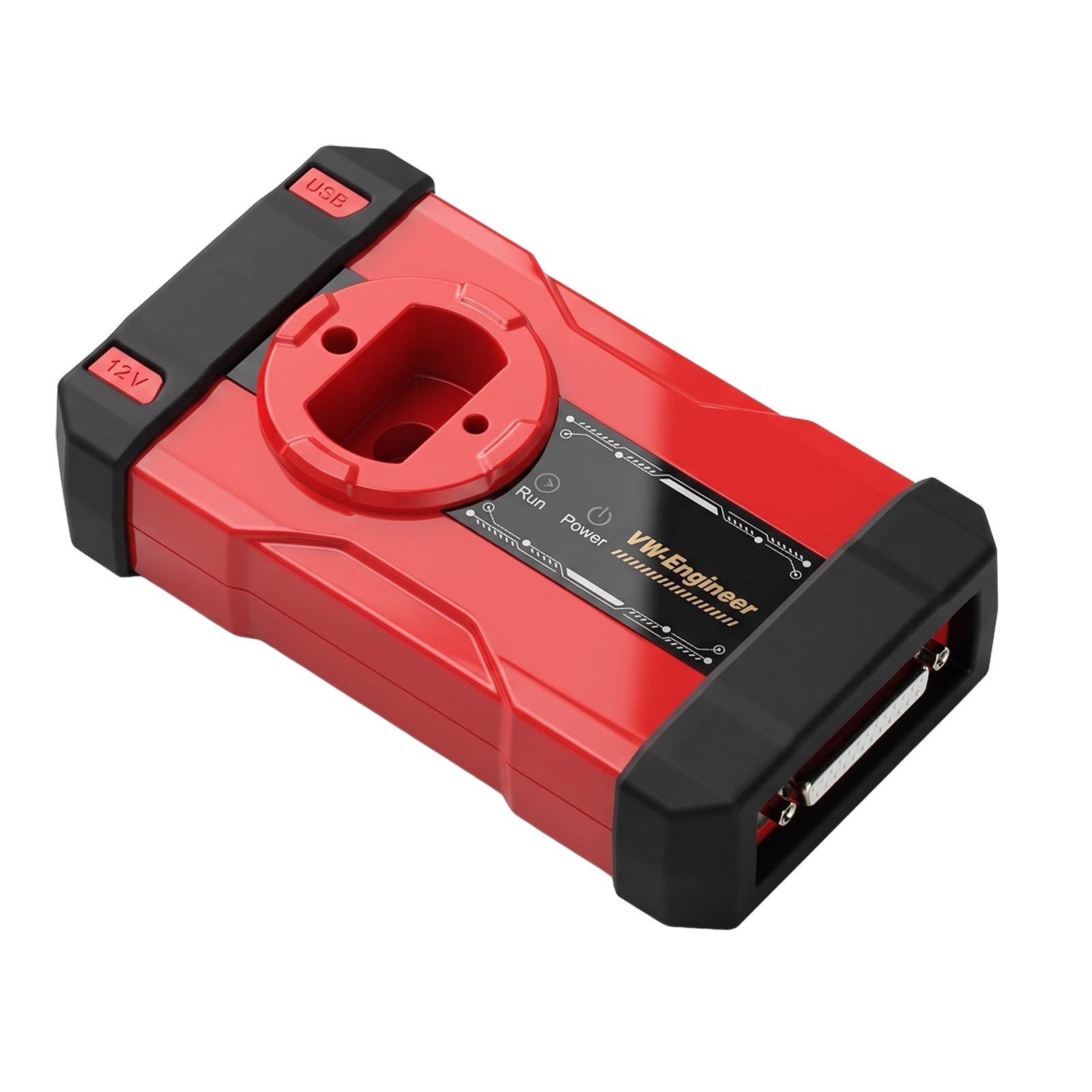
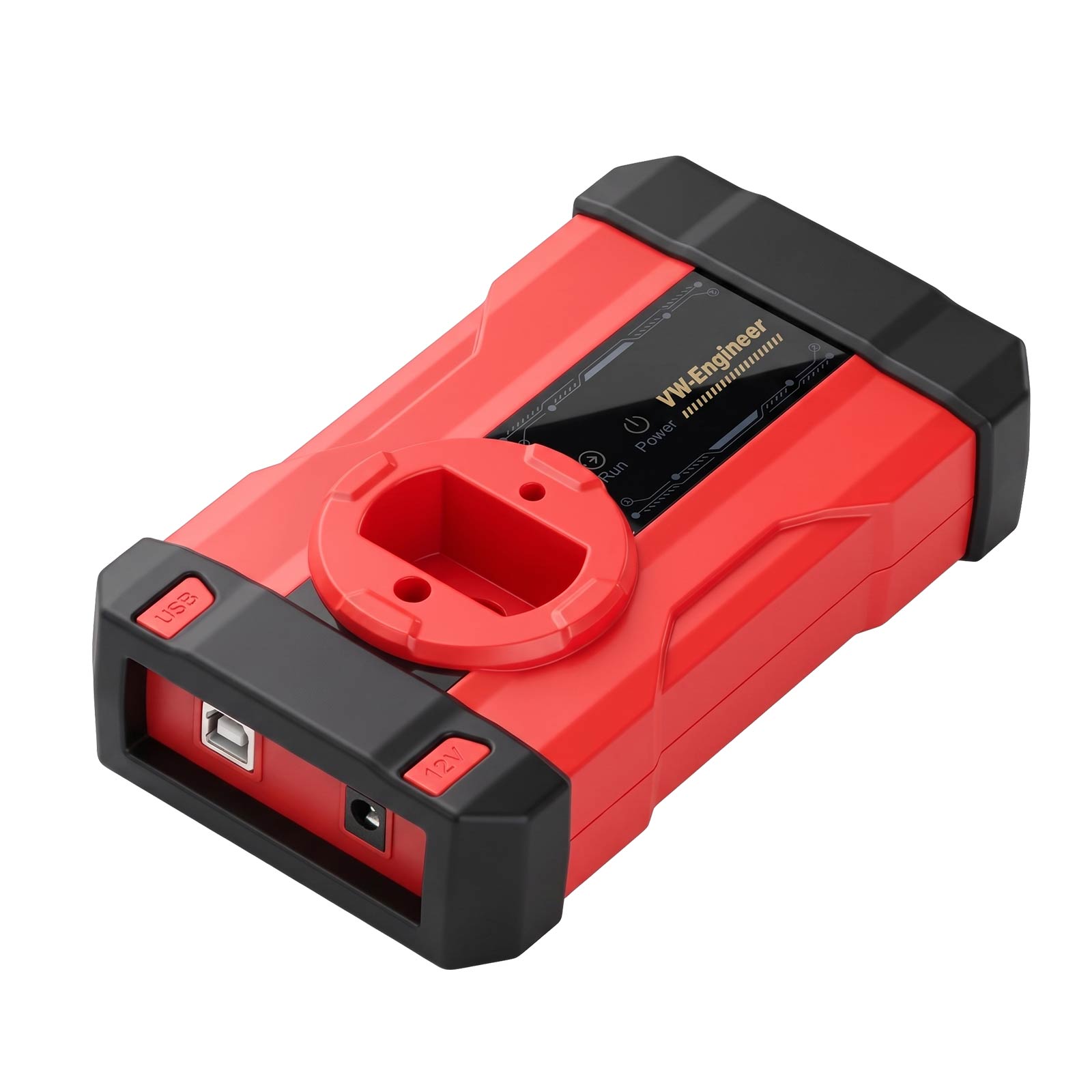


CGDI CG-MLB Programmer Supports Key Adding, Key Data Reading, Key Generating, OBD Learning for MLB/MQB48
Buy Now: €152.00
Launch Mega Sale: Sep 13th to 29th
EU No-Tax Fast Delivery
Contact us for better price!
WhatsApp: +86 133 7268 9373
Email: sales@obdstore.eu
EU No-Tax Fast Delivery
Contact us for better price!
WhatsApp: +86 133 7268 9373
Email: sales@obdstore.eu
Shipping:
Free Shipping
Standard Flat Rate Shipping ServiceEstimated delivery time: 7-15 Working Days See details »
Weight:
0.8KG
( 0.36LB )
Package:
30.3cm*21cm*8cm
( Inch: 11.9*8.25*3.14 )
Returns:
Return for refund within 30 days, buyer pays return shipping. See details »
€152.00
In Stock.
Free Shipping
Product Description
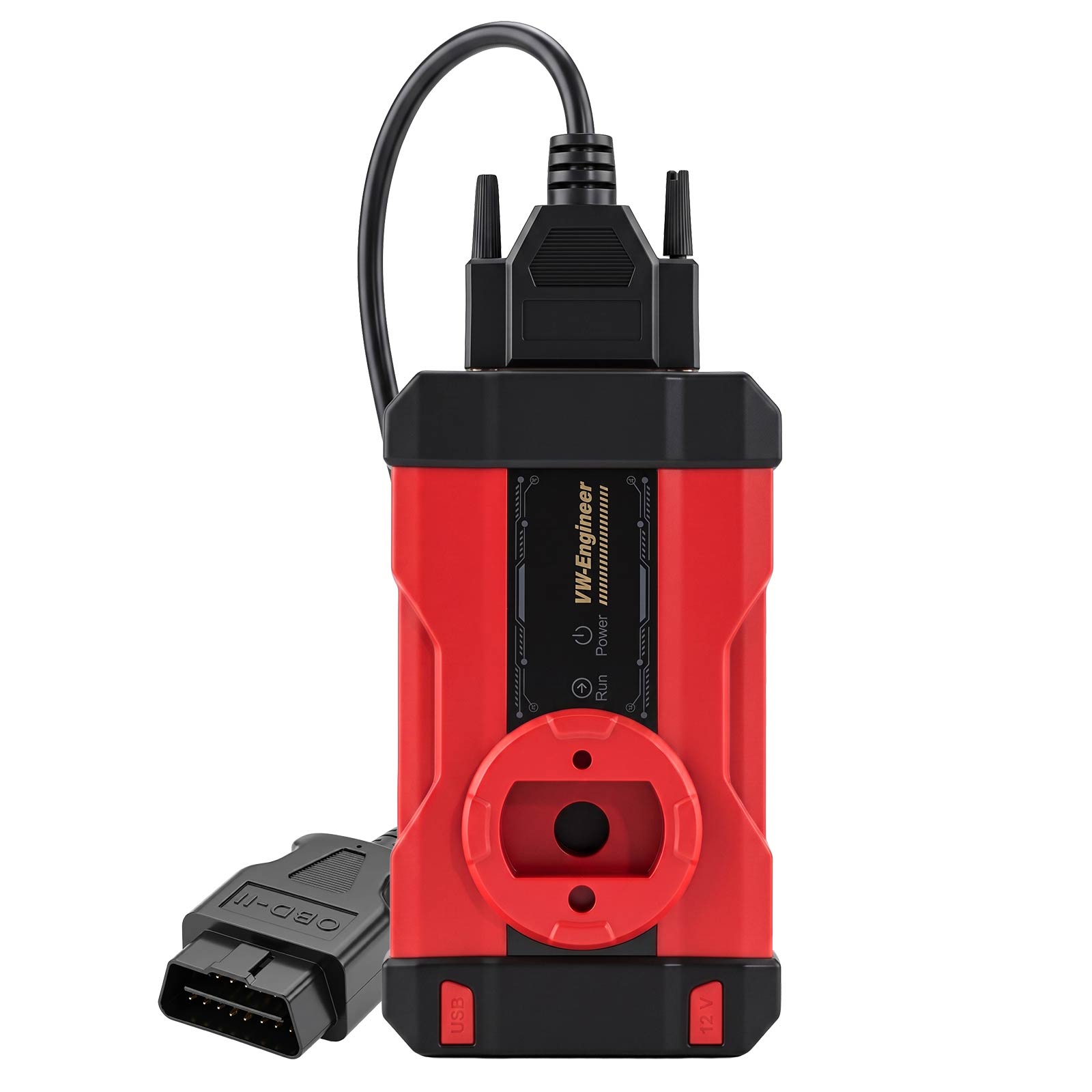
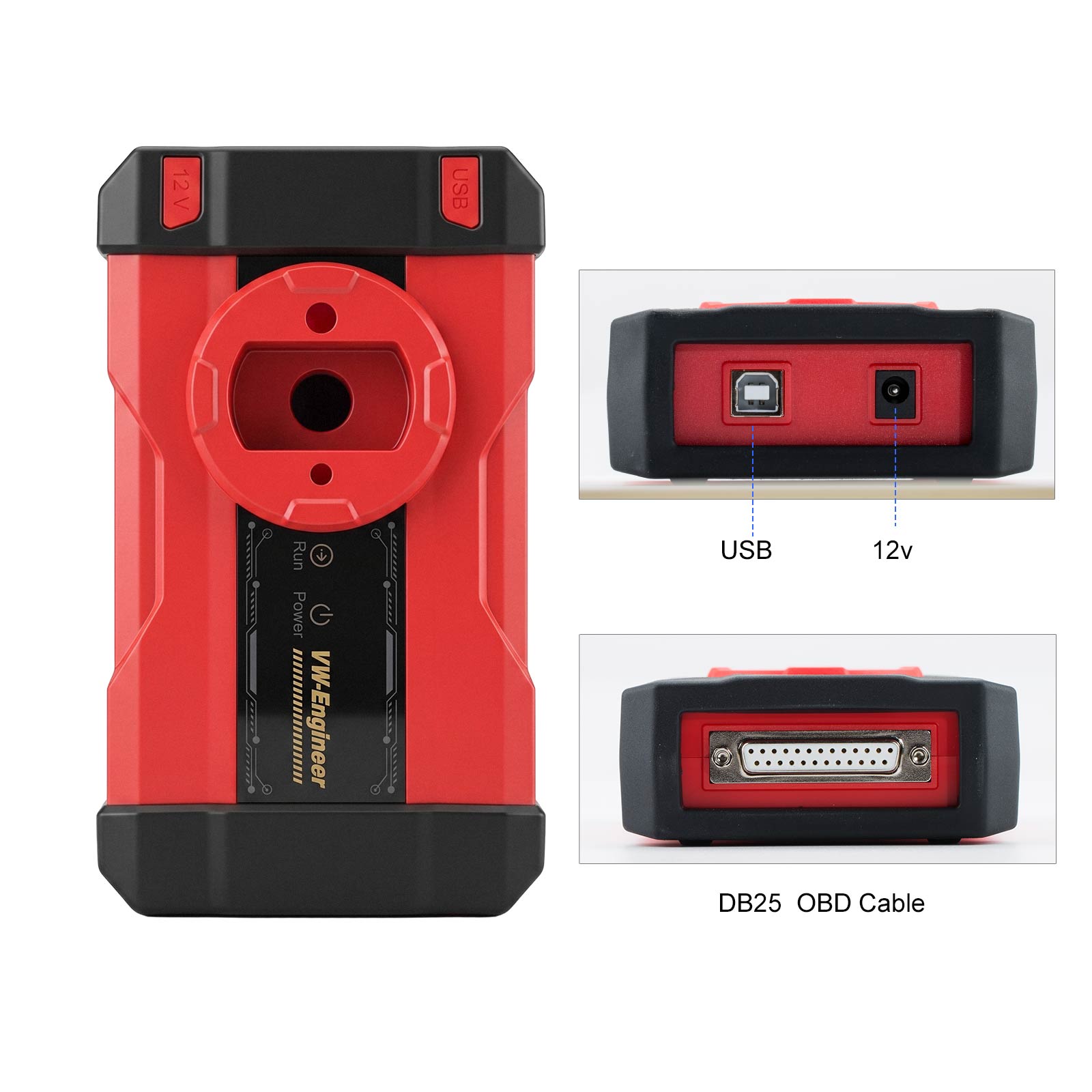
CGDI CG-MLB Programmer Supports Key Adding, Key Data Reading, Key Generating, OBD Learning for MLB/MQB48
CGDI CG-MLB Programmer Supports Key Adding, Key Data Reading, Key Generating, OBD Learning for MLB/MQB48
Product Functions:
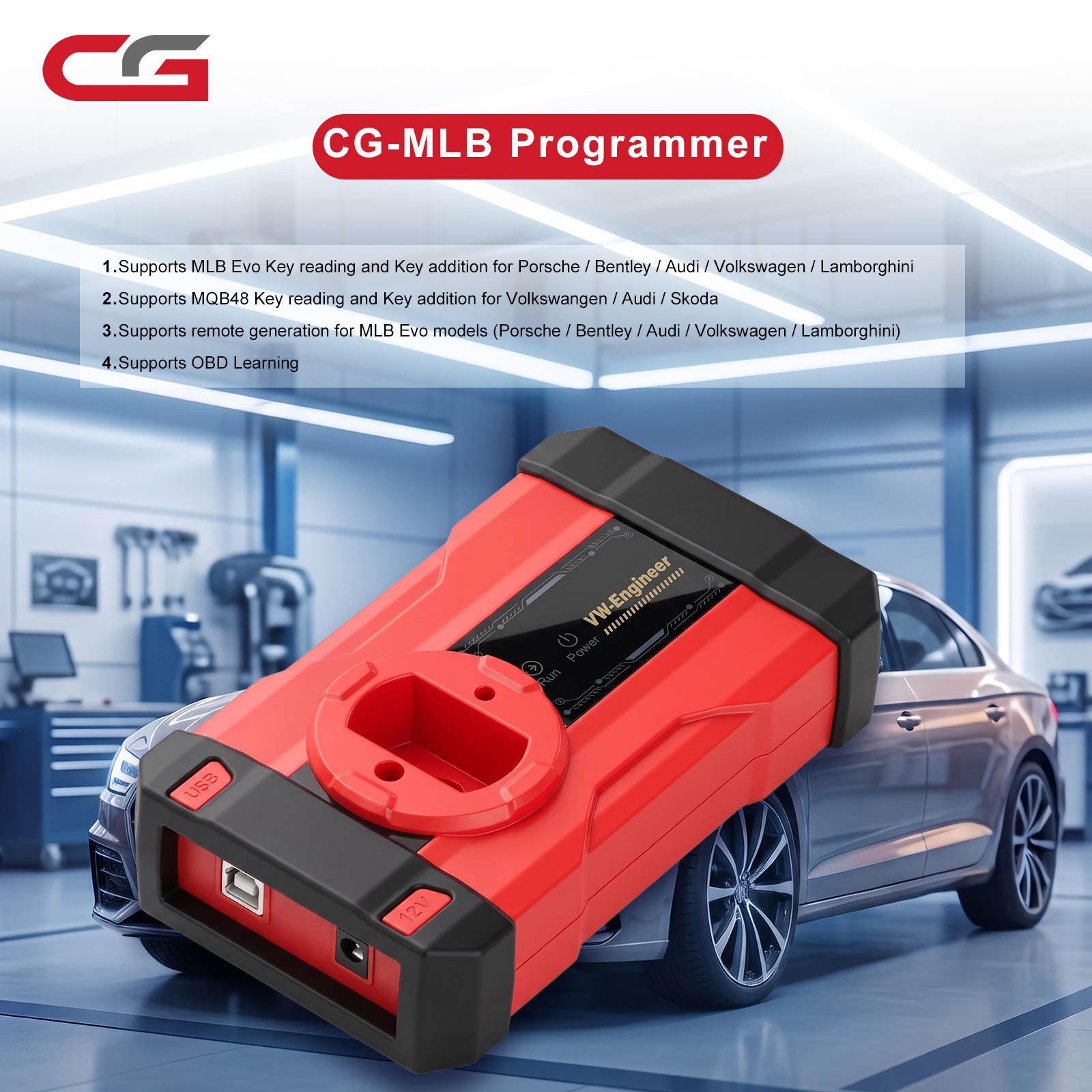
Supports reading keys and adding key functions for Porsche/ for Bentley/ for Audi/ for Volkswagen/ for Lamborghini MLB-EVO.
Supports reading keys and adding key functions for Volkswagen/ for Audi/ for Skoda MQB48.
Supports generating keys for Porsche/ for Bentley/ for Audi/ for Volkswagen/ for Lamborghini MLB-EVO models.
Supports OBD learning.
FAQs:
1. What does this need to work with, and does it require specific keys?
Answer: Original keys or aftermarket keys that use the original factory protocol. We factory will also release our own aftermarket remotes.
2. Does it support other manufacturers' aftermarket remotes?
Answer: It supports keys from other manufacturers that follow the original factory protocol. Keys that do not follow the original factory protocol are not supported.
3. Does it only support key addition? Does it require soldering to read the original vehicle key?
Answer: Yes, it is for key addition. If you don't have a solder-free adapter, you will need to solder wires. With a solder-free adapter, simply remove the key board and place it onto the adapter.
4. Can this device complete key reading and matching on its own?
Answer: It requires server-side computation, so an internet connection is needed.
5. Are there any prerequisites for reading data, such as needing credits or a dedicated aftermarket remote?
Answer: One free calculation per day is allowed. Also, free calculations using CGDI aftermarket remote credits are supported.
6. Is there an annual fee?
Answer: No.
7. Can this be connected to a laptop?
Answer: Yes, it connects to a computer or can be used with the K2.
8. How to use it specifically?
Answer: A detailed tutorial will be provided later.
9. Supported vehicle models and key types?
Answer: Currently supports MLB and MQB48.
10. Does it support "all keys lost" (MLB/MQB48)?
Answer: An original key that can start the vehicle (even if the remote part is damaged or the smart function is damaged) must be available.
11. If the car owner does not have the original key, but only has a previously added CGDI aftermarket remote that can start the vehicle normally, can that CGDI key data be read directly to add an MQB48 key?
Answer: Yes.
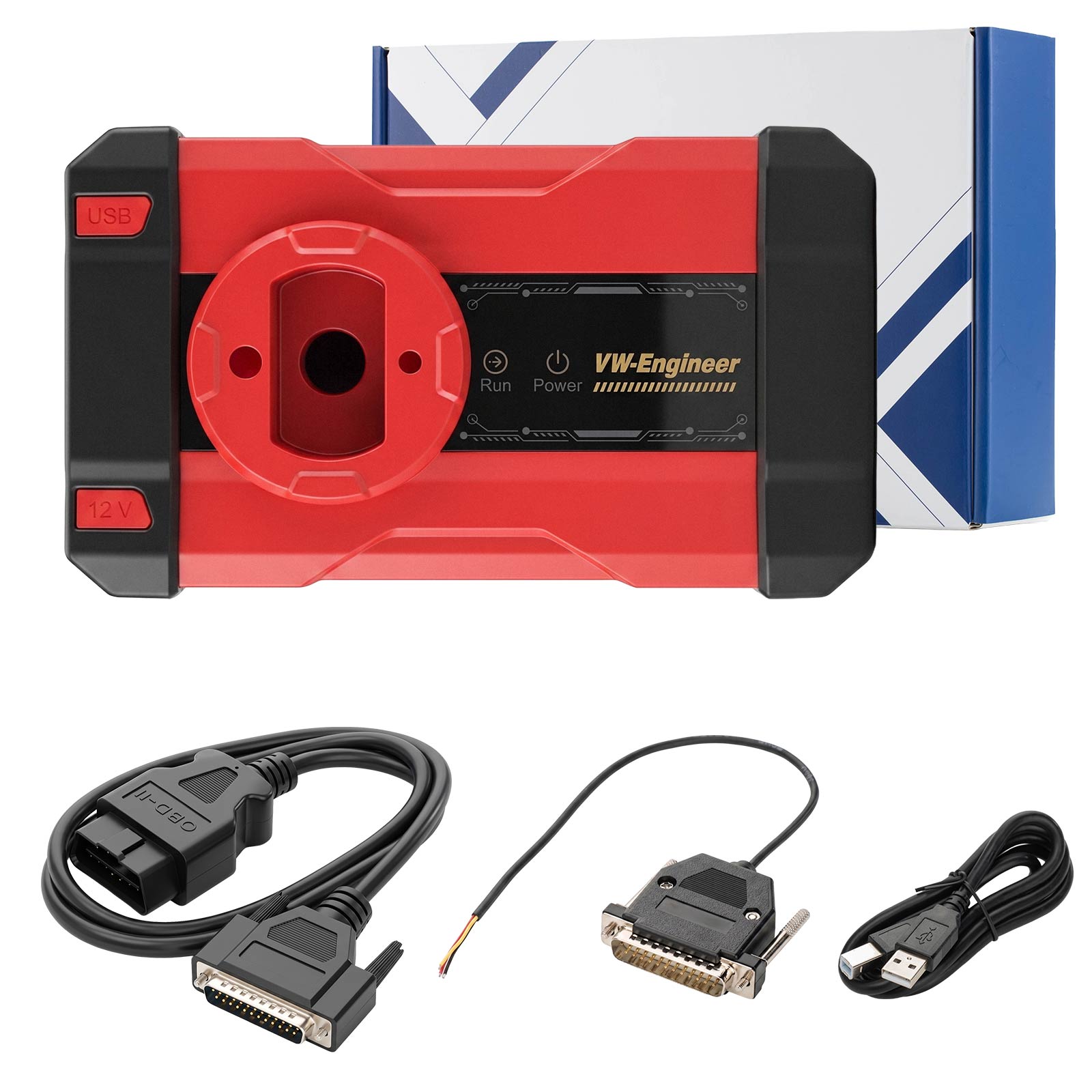
Package includes:
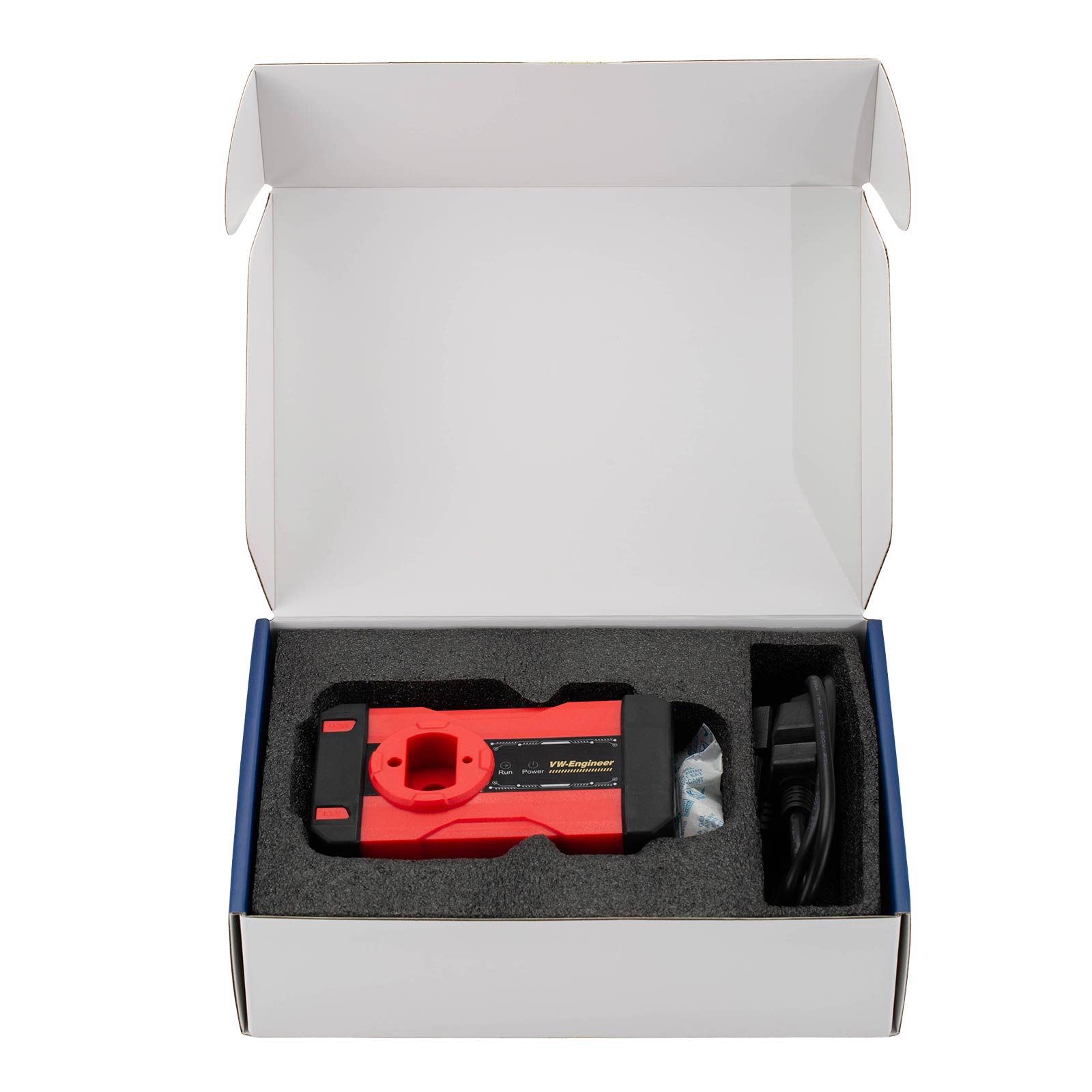
1pc x CGDI CG-MLB Programmer Host
1pc x DB25 Programming Cable
1pc x DB25 OBD Cable
1pc x USB Cable
1pc x DB25 Programming Cable
1pc x DB25 OBD Cable
1pc x USB Cable
Contact Us:
Email: Sales@OBDStore.eu
WhatsApp : +86 133 7268 9373
Shipping Policy
1. Czech and UK Warehouse Shipping: 3-5 working days. Fast Delivery & Tax Free.
EU Check: Ship from Czech
UK Check: Ship from UK
2. DHL Shipping: Suitable for customers worldwide. Will take 3-5 working days.
3. Yanwen Express: TAX Free for European Countries. Will take 7-10 working days normally.
More shipping details check.
Tags: CGDI